Description
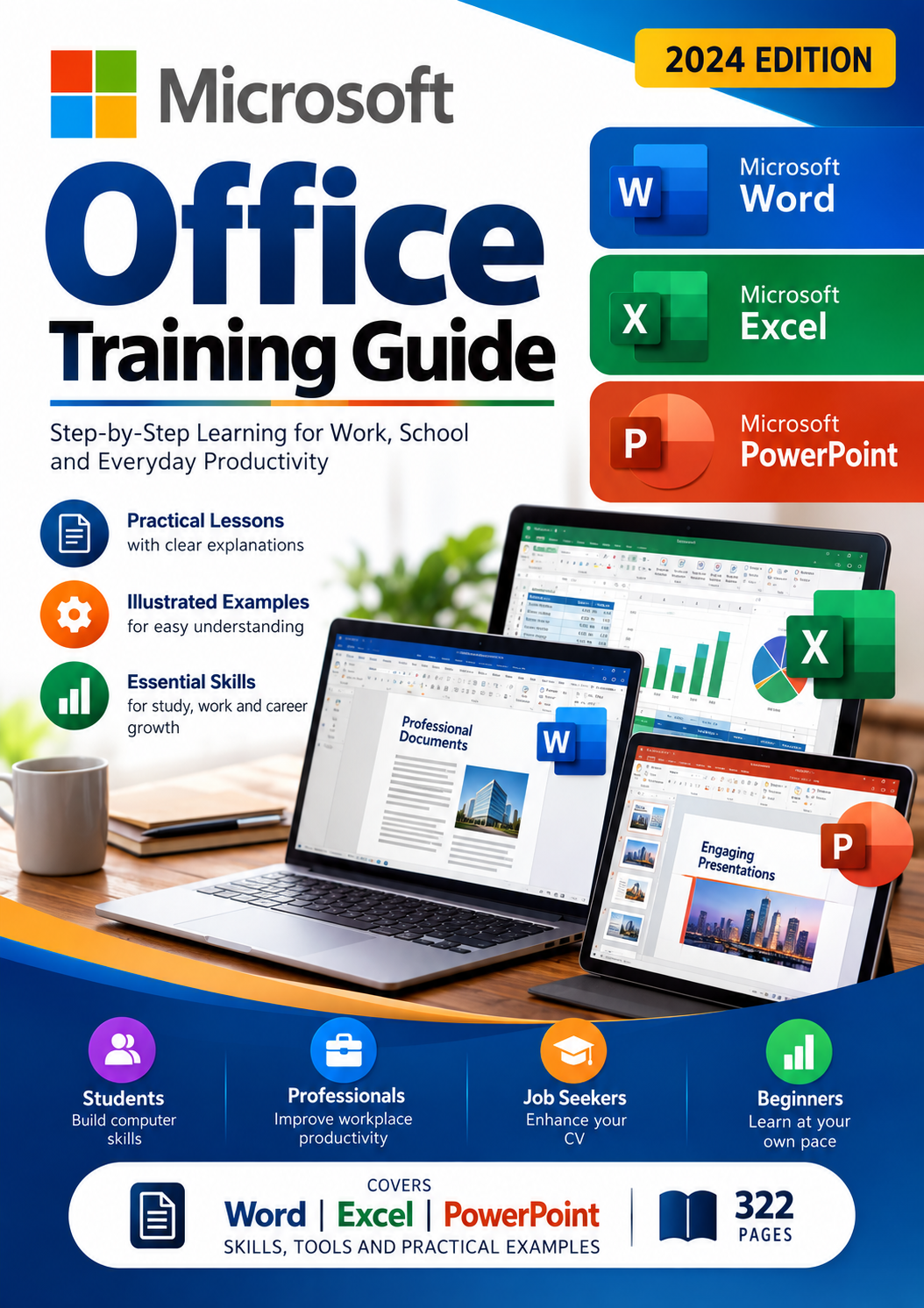
Microsoft Office Complete Training Guide – Word, Excel & PowerPoint
Develop Essential Computer Skills for Work, School and Everyday Productivity
Improve your understanding of Microsoft Office with this detailed digital training resource designed to help learners become more confident using three widely used office applications: Microsoft Word, Microsoft Excel and Microsoft PowerPoint.
Whether you’re a student, an office administrator, an employee or someone developing their digital skills, this illustrated guide provides structured instructions for learning important Microsoft Office functions.
What You’ll Learn
Microsoft Word – Document Creation and Formatting
Explore how to create, edit, format and manage professional documents.
Topics include:
- Understanding the Microsoft Word interface
- Creating and saving documents
- Formatting text, paragraphs and page layouts
- Working with margins, styles and themes
- Adding headers, footers and page numbers
- Navigating and editing documents
- Using spelling, grammar and proofing tools
Microsoft Excel – Spreadsheet Skills
Develop your understanding of Microsoft Excel for organising, calculating and presenting information.
Learn about spreadsheet fundamentals, worksheet management and tools for working with data.
Microsoft PowerPoint – Presentation Skills
Explore Microsoft PowerPoint tools for creating, formatting and delivering presentations.
Learn how presentation features can help you communicate information more effectively.
Why Choose This Learning Resource?
- 322-page PDF: A substantial reference for self-paced study.
- Three Office Applications: Word, Excel and PowerPoint in one resource.
- Illustrated Instructions: Screenshots and visual examples support the explanations.
- Self-Paced Learning: Read and revisit lessons whenever needed.
- Practical Workplace Skills: Topics relevant to office administration, document preparation and everyday productivity.
Who Is This Guide For?
- Students and graduates developing computer literacy
- Job seekers improving their office software knowledge
- Office administrators and support staff
- Professionals looking to refresh their Microsoft Office skills
- Beginners learning to use office productivity tools
Product Information
Product Type: Digital educational resource
File Format: PDF
Total Pages: 322
Publication Year: 2024
Language: English
Applications Covered: Microsoft Word, Microsoft Excel and Microsoft PowerPoint
Important Information
This is a digital PDF learning resource, not a physical book, software licence, live training programme or professional certification.
The material includes instruction based on earlier Microsoft Office versions, including Word 2016. Some interface elements may differ in newer Microsoft 365 applications.
Download access is provided electronically after successful payment, subject to the store’s delivery settings.
Reviews
There are no reviews yet.